
Overview #
Our app works in three steps:
- Choose your date format and base currency
- Add your transaction history (manually or with CSVs)
- Match your tickers to live listings
Once setup is complete, the application calculates portfolio performance, allocation, dividends, and related metrics using your saved history and third-party market data.
Reviport is designed for long-term, end-of-day tracking. Market data may be delayed depending on the source.
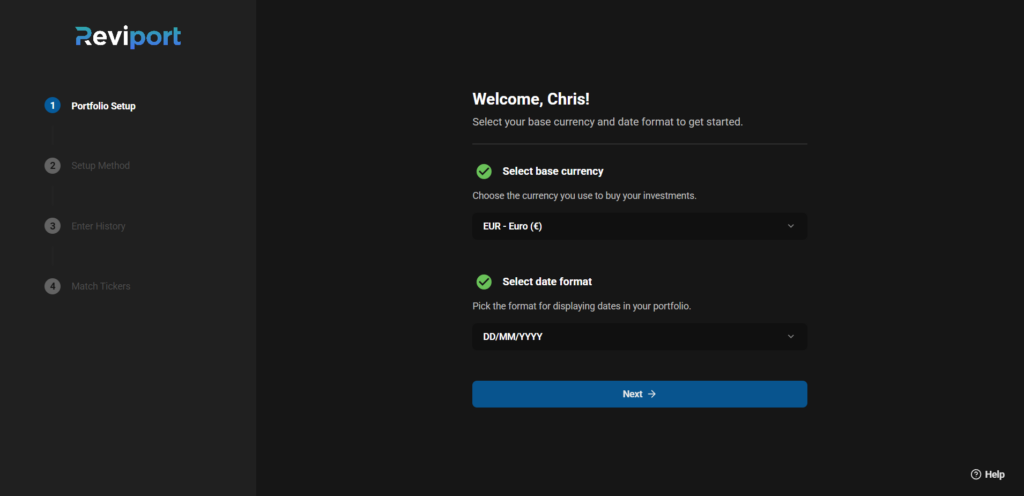
Step 1 — Choose Date Format + Base Currency #
Before importing data, you select:
- Your preferred display date format
- Your portfolio base currency (used for portfolio totals and return calculations)
This ensures all portfolio values and returns are calculated consistently.
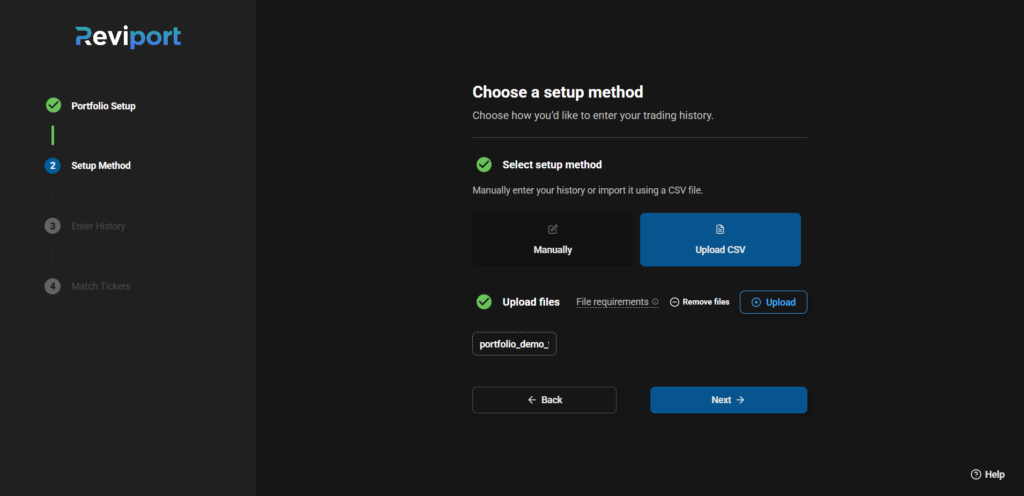
Step 2 — Add Your History #
You can add transactions in two ways:
- Manual entry
- CSV import
You remain in control of what gets saved.
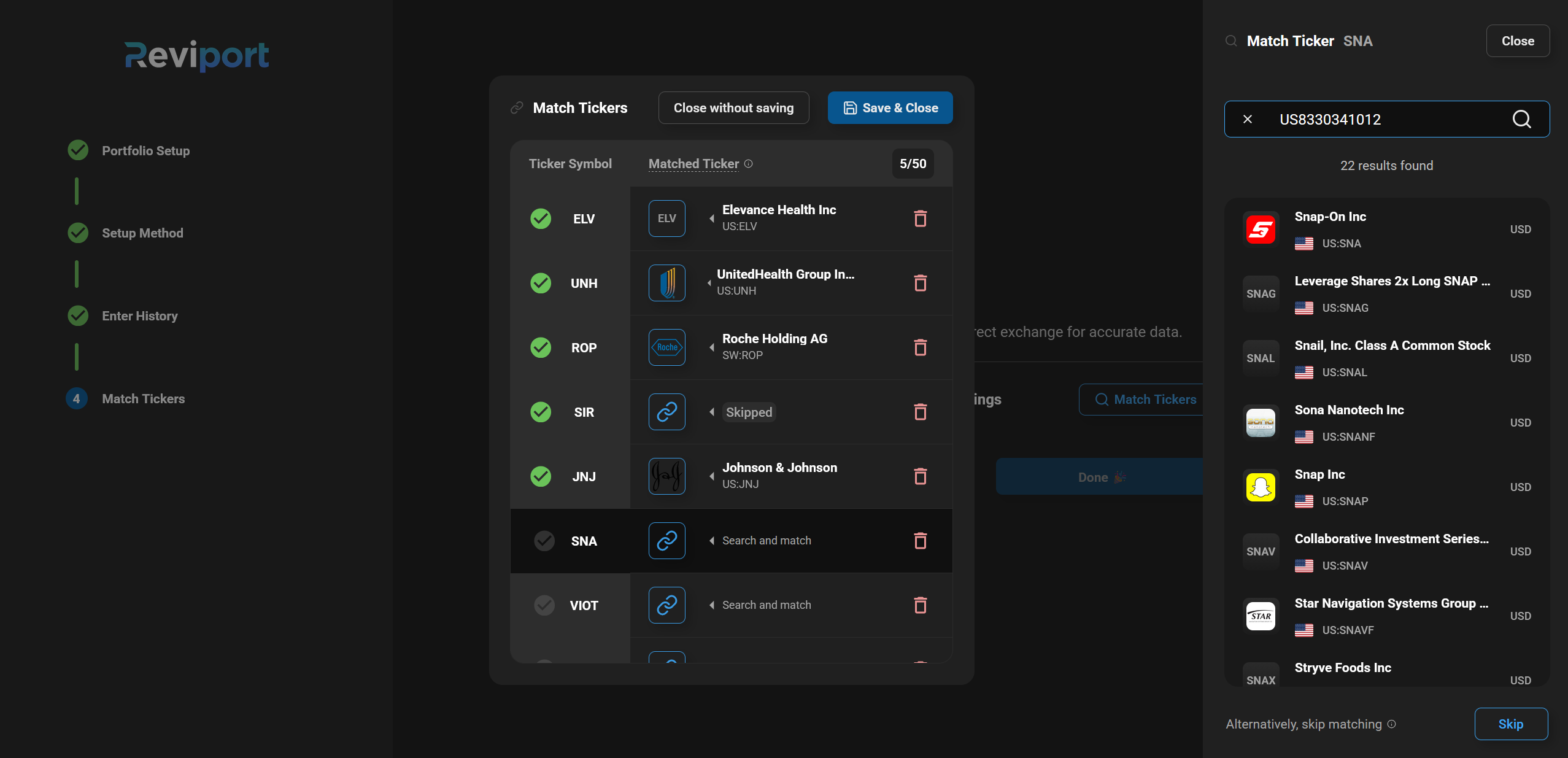
Step 3 — Match Tickers to Live Listings #
After importing, you match each ticker in your history to its correct live listing.
Example:
- AAPL -> AAPL.US
This allows the app to fetch the correct market data and calculate your portfolio properly.
Why Ticker Matching Matters #
Many tickers exist:
- On multiple exchanges
- In different formats
- With similar symbols
Matching ensures our app uses the correct listing for pricing, performance, and dividend calculations.
Note: Can’t find a ticker listing? You can skip matching and enable manual tracking.
After Setup, You Can #
- Upload additional CSV files at any time
- Edit existing transactions
- Re-match tickers or enable manual tracking if needed
- Customize ticker details (such as asset class, sector, management type, investment type, dividend settings, etc.)
Your portfolio updates automatically after changes.
Read more #
See our complete getting started guide here.
